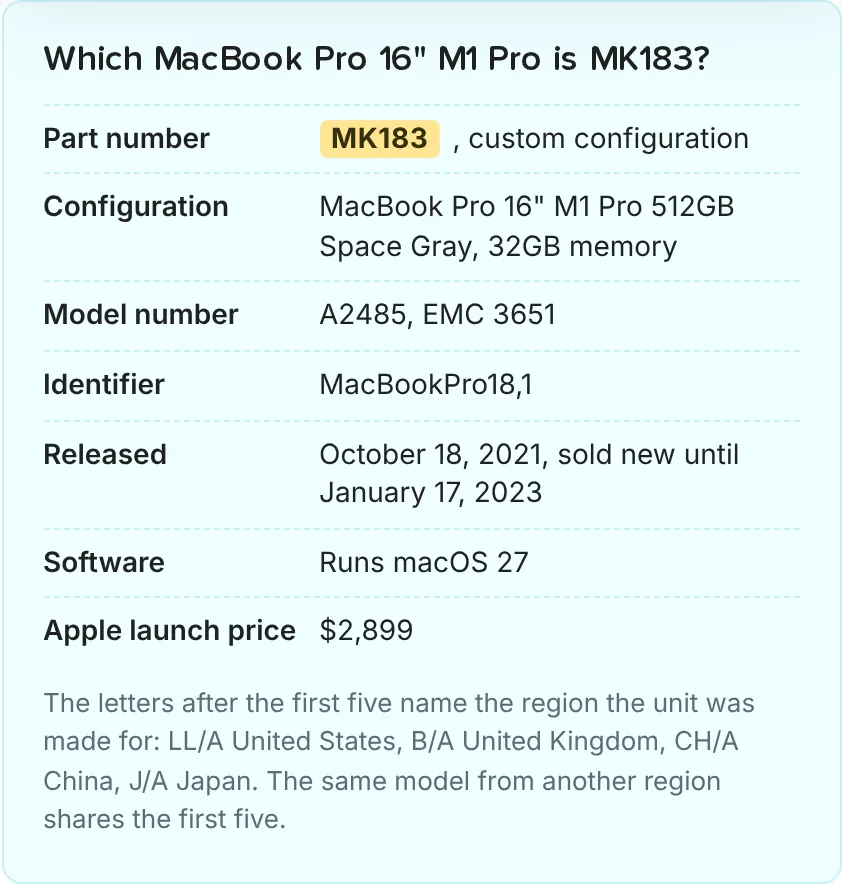
Each card on a listing shows the lowest price, its grade and the seller. Apple's original price is on the product page of each configuration. 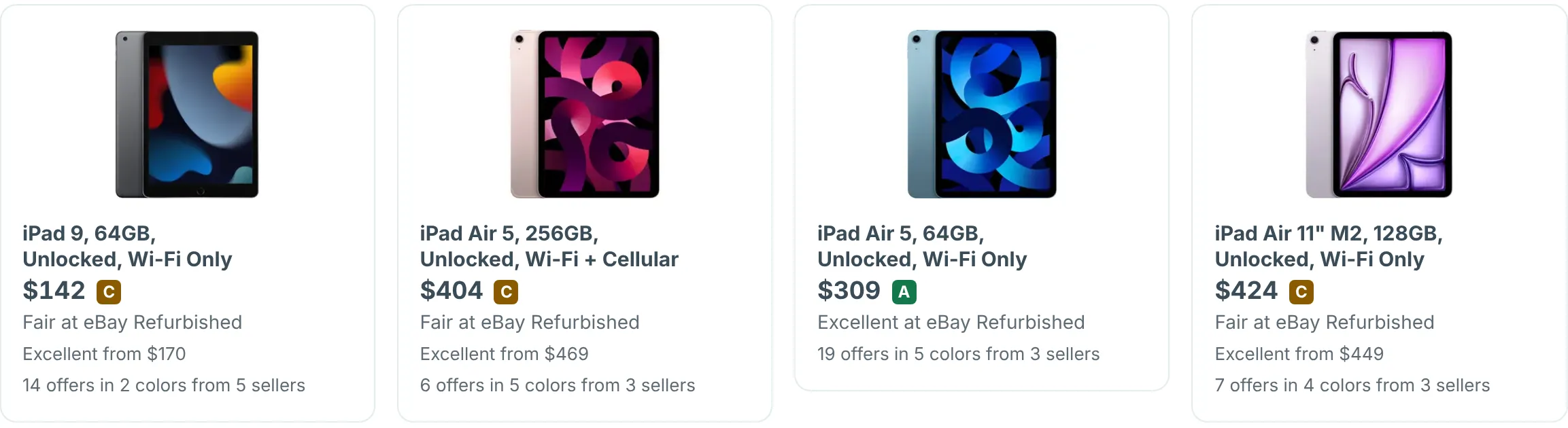
The original price shown for a product is the price Apple charges for that device new. If Apple no longer sells the device, the comparison price is the last list price Apple charged for it. On the product page it appears as "Apple launch price", in the part-number box next to the offers.
How to work out your savings
Listing cards do not show a savings amount or percentage. To work it out, take the difference between Apple's price and the refurbished price and express it as a percentage. For example, if Apple sells a MacBook for $1,299 and a refurbisher lists it at $899, you save roughly 31%.
Why original prices matter
Showing the original price gives you a quick way to gauge the value of a refurbished deal. It helps you:
- Compare across sellers. Different refurbishers may price the same model differently, and seeing the baseline helps you spot the best deal.
- Understand depreciation. Older models naturally have higher savings percentages, which can guide you toward the best value for your budget.
- Make informed decisions. Knowing what a device cost new puts the refurbished price in context.
To learn more about how much you can save, read our article on whether refurbished Apple products are cheaper than new.