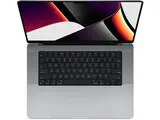
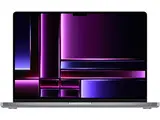
The two laptops share a chip generation but target fundamentally different users. The Air is the world's best thin-and-light laptop. The Pro is a sustained-performance workhorse with a display that professionals reach for on purpose. The decision comes down to how hard you push your machine and what you are willing to spend.
TL;DR: Apple launched the MacBook Air M4 at $999 and the 14-inch MacBook Pro M4 at $1,599. It has since replaced both with M5 models, so today you buy either one refurbished. The Air weighs just 2.7 lb and is the right pick for students, knowledge workers, and everyday professionals. The Pro adds a Liquid Retina XDR display with 120 Hz ProMotion, three Thunderbolt ports, HDMI, an SD card slot, and active cooling for sustained workloads. Buy the Air unless you specifically need one of the Pro advantages.
Both machines are past the point where refurbished supply is a question. RefurbMe's own tracking, part of the RefurbMe Refurbished Apple Price Index (RAPI), puts Time-to-Refurb at a median of 94 days for the MacBook Air family and 101 days for the MacBook Pro family (as of October 2026, source: /stats/macbook-air and /stats/macbook-pro). Time-to-Refurb is the median number of days between Apple's announcement of a model and the first time RefurbMe records that model in stock refurbished. The M4 laptops cleared that window more than a year ago, so both sit in the part of the curve where refurbished listings are plentiful and prices have already settled.
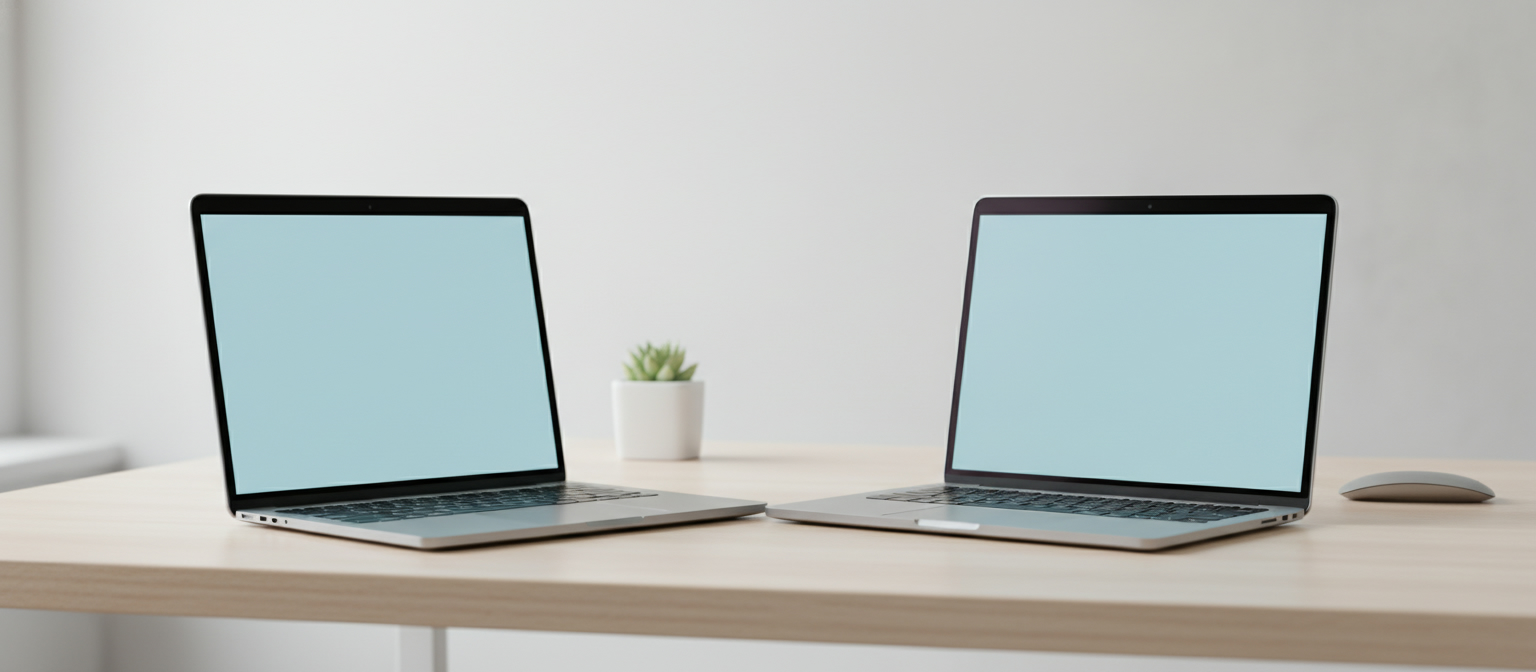
Quick Comparison: MacBook Air M4 vs. MacBook Pro M4
Here are the key differences at a glance.
| Feature |
MacBook Air M4 |
MacBook Pro M4 |
| Chip |
M4 (10-core CPU, 8 or 10-core GPU) |
M4, M4 Pro, or M4 Max |
| Display |
13.6" or 15.3" Liquid Retina (500 nits) |
14.2" or 16.2" Liquid Retina XDR (1,000 nits sustained, 1,600 nits HDR peak) |
| Refresh rate |
60 Hz |
Up to 120 Hz (ProMotion) |
| Active cooling |
No (fanless) |
Yes |
| MagSafe |
Yes |
Yes |
| HDMI port |
No |
Yes (14" and 16") |
| SD card slot |
No |
Yes (14" and 16") |
| Thunderbolt ports |
2 x Thunderbolt 4 |
3 x Thunderbolt 4 (base M4 14"); 3 x Thunderbolt 5 (M4 Pro/Max, both 14" and 16") |
| Weight |
From 2.7 lb (13") |
From 3.4 lb (14") |
| Battery life |
Up to 18 hours video streaming, up to 15 hours wireless web |
Up to 24 hours video streaming, up to 16 hours wireless web |
| Launch price (new) |
$999 |
$1,599 |
| Refurbished price |
From $999 (13") / $1,000 (15") |
From $1,449 (14") |
Refurbished figures are the cheapest in-stock listings on RefurbMe US on October 9, 2026. Apple no longer sells either model new. Prices move week to week, so treat them as a snapshot.
See live refurbished MacBook prices on RefurbMe
Both machines run Apple's M4 chip, a 10-core CPU (4 performance cores, 6 efficiency cores) and 16-core Neural Engine capable of up to 38 trillion operations per second. Memory bandwidth is 120 GB/s on both models. In short bursts, the MacBook Air M4 matches the base MacBook Pro M4 on single-core and multi-core benchmarks.
The difference emerges during sustained workloads.
Without a fan, the Air manages heat by gradually reducing clock speeds after several minutes of heavy computation. Compile a large Xcode project, run a long Final Cut export, or keep a machine learning model training overnight, and the Pro's active cooling lets it sustain peak performance indefinitely. For most people, that threshold never arrives in daily use.
The MacBook Pro M4 also comes in M4 Pro and M4 Max configurations. The M4 Pro adds a 12-core or 14-core CPU, a 16-core or 20-core GPU, and up to 48 GB unified memory. The M4 Max doubles down with up to a 16-core CPU, 40-core GPU, and 128 GB RAM. If you work in 3D rendering, high-resolution video, or scientific computation, those tiers are genuinely transformative.
For students, writers, developers doing routine coding, and anyone browsing, video calling, or running office software, the Air's M4 is more than enough. It remains one of the fastest thin-and-light laptops ever made.
The practical takeaway: the base MacBook Air M4 and base MacBook Pro M4 post nearly identical single-core and multi-core scores because they run the same 10-core M4 chip. The Pro pulls ahead only on workloads long enough to make the Air throttle, or when you step up to the M4 Pro and M4 Max tiers the Air does not offer.
Display: Liquid Retina vs. Liquid Retina XDR
This is the clearest qualitative divide between the two machines.
The MacBook Air M4 uses a Liquid Retina display: bright at 500 nits, accurate colors, and excellent for everyday tasks. Its refresh rate is a fixed 60 Hz.
The MacBook Pro M4 uses a Liquid Retina XDR panel with ProMotion adaptive refresh up to 120 Hz. That higher refresh rate makes scrolling, animations, and cursor movement noticeably smoother. XDR brightness hits 1,000 nits sustained and 1,600 nits peak for HDR content. The contrast ratio, handled by a mini-LED backlight with local dimming zones, produces true blacks that the Air's panel cannot replicate.
For video editors grading footage, photographers color-correcting images, and anyone producing HDR content, the XDR screen is a professional tool. For everyone else, the Air's Liquid Retina is genuinely beautiful and perfectly capable.
Design and Portability
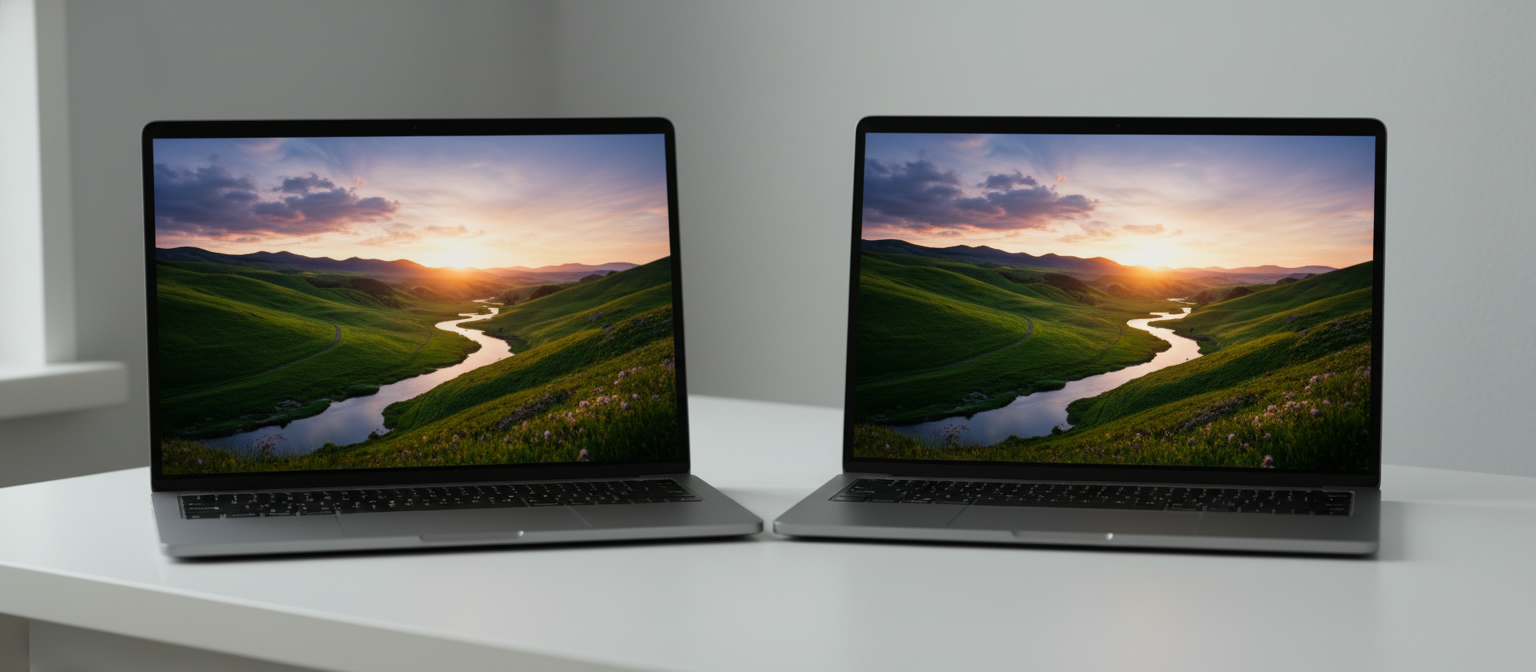
The MacBook Air is the thinner, lighter machine by a meaningful margin.
The 13-inch Air M4 weighs 2.7 lb and measures just 0.44 inches thick. The 15-inch Air M4 weighs 3.3 lb. The 14-inch MacBook Pro M4 weighs 3.4 lb; the 16-inch model reaches 4.7 lb.
For a student carrying a laptop across campus or a professional packing for a transatlantic flight, those differences compound quickly. The Air slides into a sleeve and disappears; the 16-inch Pro demands a proper backpack.
Both machines use an all-aluminum chassis. The Air comes in four colors: Midnight, Starlight, Sky Blue, and Silver. The Pro ships in Space Black and Silver, signaling its professional orientation.
Battery Life
Apple publishes two numbers per machine, and the gap between them matters. The MacBook Air M4 is rated up to 18 hours of video streaming and up to 15 hours of wireless web. The 14-inch MacBook Pro M4 is rated up to 24 hours of video streaming and up to 16 hours of wireless web.
Video streaming is the gentler test, since the media engine handles most of the work. Wireless web is the figure closer to a real working day of tabs, mail, and documents, and on that measure the two machines sit within an hour of each other.
The Pro's larger 72.4 Wh battery compensates for its heavier chassis and more powerful chip tiers; the Air runs on 53.8 Wh. If you configure an M4 Pro or M4 Max, battery endurance drops under sustained heavy compute loads.
For light-to-moderate users, 15 hours of wireless web in a 2.7 lb machine is outstanding. You will rarely feel limited.
Ports and Connectivity
This is where the MacBook Pro M4 offers a concrete practical advantage.
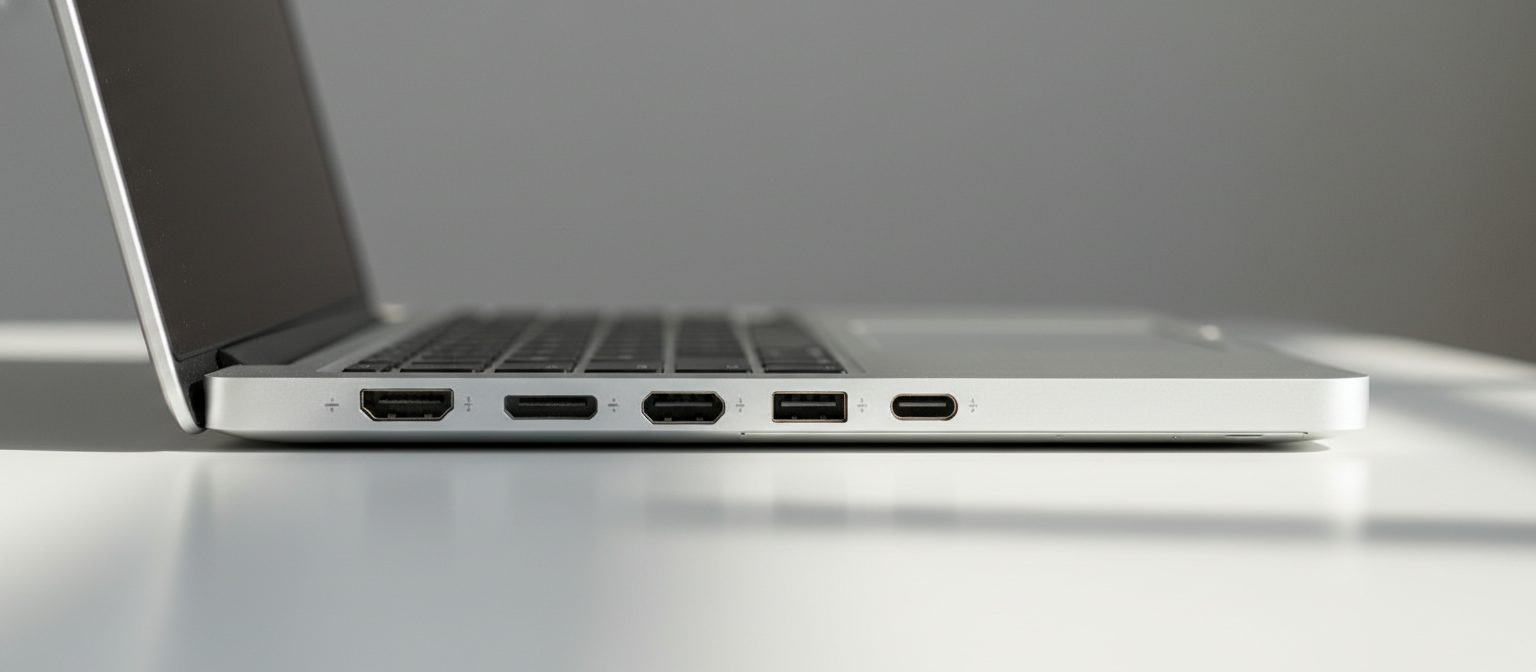
The MacBook Air M4 has two Thunderbolt 4 ports and a MagSafe 3 charging port. No HDMI. No SD card slot. Connecting an external monitor, external storage, and a display simultaneously requires a hub or dock.
The MacBook Pro M4 14-inch and 16-inch both add an HDMI 2.1 port and an SDXC card reader alongside three Thunderbolt ports: Thunderbolt 4 on the base M4 14-inch, and Thunderbolt 5 on every M4 Pro and M4 Max configuration, 14-inch and 16-inch alike. For photographers offloading RAW files, video editors pulling footage from an SD card, or presenters plugging directly into a conference room display, those extra ports eliminate a bag full of adapters.
Professionals who manage multiple peripherals will feel the Air's port limitations daily. Creative users who connect to external displays and storage devices regularly should factor a quality hub into the Air's real cost.
Camera and Audio
Both machines include a 12-megapixel Center Stage webcam with support for Desk View, a significant upgrade from earlier generations. Video call quality is excellent on both.
The speaker systems diverge in scale. The 16-inch MacBook Pro M4 has a six-speaker sound system with force-canceling woofers and Spatial Audio support, among the best laptop speakers available. The 13-inch Air M4 has a four-speaker system and the 15-inch Air a six-speaker system; both sound impressive for their size but cannot match the 16-inch Pro's volume or bass response.
For most users, both are excellent. If you watch movies at your desk without headphones, the 16-inch Pro's speakers are noticeably richer.
Storage and Memory Options
Both machines start with 16 GB unified memory. The Air M4 tops out at 32 GB. The MacBook Pro M4 reaches 48 GB with the M4 Pro chip and 128 GB with M4 Max.
Storage starts at 256 GB on the Air and 512 GB on the base Pro. Configuring to 512 GB or more is wise given modern app sizes. The Air M4 goes up to 2 TB; the Pro scales to 8 TB on higher chip tiers.
Memory matters for users keeping dozens of browser tabs open alongside virtual machines, large audio projects, or complex spreadsheets. 16 GB handles everyday tasks comfortably; power users should budget for 24 GB or 32 GB minimum.
Pricing: New vs. Refurbished
Apple's launch prices set a wide gap between the two lines.
| Configuration |
Launch Price (New) |
| MacBook Air M4 13-inch (16 GB / 256 GB) |
$999 |
| MacBook Air M4 15-inch (16 GB / 256 GB) |
$1,199 |
| MacBook Pro M4 14-inch (16 GB / 512 GB) |
$1,599 |
| MacBook Pro M4 16-inch (24 GB / 512 GB) |
$2,499 |
Those are launch prices, and you can no longer pay them at Apple. Its US store now lists only M5 models. The 13-inch MacBook Air with M5 launched at $1,099 in March 2026; Apple's store lists the MacBook Air from $1,299 today, and the 14-inch MacBook Pro with M5 from $1,999.
So the M4 machines are a refurbished purchase now. On October 9, 2026, the cheapest in-stock refurbished 13-inch MacBook Air M4 on RefurbMe US was $999 at Back Market (16 GB, 256 GB), the only seller with that size in stock. The 15-inch Air M4 started at $1,000 at Back Market, with Apple's Certified Refurbished store at $1,019 and Mac of All Trades at $1,066. The 14-inch MacBook Pro M4 started at $1,449 at eBay Refurbished, ahead of Amazon Renewed at $1,479 and Back Market at $1,534, while Mac of All Trades had a 1 TB model at $1,487. We compared prices only, not cosmetic grades or warranty terms, so check both on the listing before you buy.
Set against launch prices, the 13-inch Air saves you nothing: $999 is what Apple asked for it new. The 15-inch Air sits about 17% below its $1,199 launch price and the 14-inch Pro about 9% below its $1,599. The comparison that matters is with what Apple sells today. A refurbished 13-inch Air M4 costs $300 less than the cheapest new MacBook Air with M5, though the M5 starts with 512 GB of storage, double the 256 GB in that $999 M4. The 14-inch Pro M4 at $1,449 is $550 under the cheapest new 14-inch Pro with M5.
One reading cuts the other way. eBay Refurbished had a 14-inch MacBook Pro with M5 (16 GB, 512 GB) at $1,349 on October 9, 2026, $100 below the cheapest refurbished Pro M4. It was a single listing and may not last, but while it is there the newer chip costs less. Refurbished M5 Airs have not caught up: the cheapest 13-inch Air with M5 was $1,399 at Back Market, $400 more than the M4.
The M4 generation is still young by refurbished standards, which is why those discounts look modest. Discounts on any single model deepen as it ages out of Apple's lineup.
Which seller to pick depends on the model. On October 9, 2026, Back Market had the cheapest Air M4 in both sizes, and eBay Refurbished had the cheapest 14-inch Pro M4, with Amazon Renewed $30 behind. Apple's Certified Refurbished store was only $19 above Back Market on the 15-inch Air. None of the M4 listings we read that day came from Gazelle. The deciding factor is who has the lowest price on the exact configuration you want, once you have checked the grade and warranty on the listing.
Browse refurbished MacBook deals on RefurbMe to see current prices across all resellers.
Who Should Buy the MacBook Air M4?
The Air M4 is the right choice for the majority of laptop buyers. It is the better option if you:
- Are a student or knowledge worker handling everyday computing tasks
- Prioritize portability and battery life over sustained performance
- Do not need ports beyond USB-C and MagSafe
- Want an outstanding laptop at a lower price point
- Work in environments where the Liquid Retina display satisfies
It also makes an excellent recommendation for anyone heading to college who wants a capable machine that lasts through a four-year degree without feeling underpowered. If you are weighing the overall value of Apple's laptop lineup, Are MacBooks Worth It? covers the full picture.
Who Should Buy the MacBook Pro M4?
The Pro M4 earns its premium for users who need more. Consider it if you:
- Edit video professionally, especially 4K or higher resolution footage
- Work in audio production, 3D rendering, or machine learning
- Need the ProMotion display for smooth 120 Hz scrolling and HDR accuracy
- Rely on HDMI and SD card ports daily without carrying a hub
- Benefit from sustained CPU and GPU performance during hours-long workloads
- Need more than 32 GB of unified memory
If you are coming from an Intel MacBook, both options represent a dramatic generational leap. The Apple M1 vs. Intel MacBook Pro debate is settled history; the M4 generation widens that gap further still.
Is the MacBook M4 Still Worth Buying in 2026?
Yes, especially the Air. Apple has replaced both M4 laptops with M5 models: the 14-inch MacBook Pro with M5 arrived on October 22, 2025, and the MacBook Air with M5 on March 11, 2026. That leaves the M4 generation as the refurbished value tier, and that is exactly what makes it a smart buy. The M4 chip still handles everything most people do, and stepping back one generation is the single easiest way to cut the price without giving up a modern Apple Silicon experience.
The newer M5 models bring incremental CPU and GPU gains plus a faster Neural Engine, but for everyday computing, office work, coding, and even most creative tasks, you will rarely feel the difference in daily use. Paying full M5 prices buys headroom many buyers never touch, and our refurbished MacBook Pro M5 guide breaks down what that headroom costs secondhand.
Buying an M4 refurbished compounds the saving. On October 9, 2026, a refurbished 13-inch MacBook Air M4 started at $999 at Back Market and a 15-inch at $1,000 at Back Market, against $1,299 for the cheapest new MacBook Air with M5. The Pro side is less clear-cut. The cheapest refurbished 14-inch MacBook Pro M4 was $1,449 at eBay Refurbished, but a 14-inch Pro with M5 was listed at $1,349 at eBay Refurbished the same day, so compare both before you buy. For a machine that will comfortably last four to six years, the M4 Air is the sensible choice for most buyers in 2026.
It helps to know when the pressure comes. Apple refreshes the entry 14-inch MacBook Pro in a late October to early November window rather than in October flat. The M4 was announced on October 30, 2024 and only reached customers on November 8. The M3 followed the same pattern a year earlier, announced October 30, 2023 and shipping November 7. Only the M5 actually landed inside October, arriving October 22, 2025. Announcement dates and shipping dates diverge by a week or more, and refurbished stock responds to the second one.
The Bottom Line
The MacBook Air M4 wins on price, portability, and simplicity. It is quiet (no fans), lighter, cheaper, and a pleasure to use daily. For most buyers, including most professionals, it is the better value.
The MacBook Pro M4 wins on sustained performance, display quality, connectivity, and headroom. If you push your machine hard every day, need the ProMotion screen, or require ports that the Air cannot provide natively, the Pro justifies its higher price.
Both machines are exceptional. The question is not which is better in absolute terms; it is which fits your work. If you are unsure, start with the Air. If you know you need more, the Pro delivers it.
Whether you choose the Air or the Pro, buying refurbished is one of the smartest ways to save. Compare MacBook Air and MacBook Pro deals across every major reseller on RefurbMe to find the best price available today. You can also read Are Refurbished MacBooks Good? and 7 Best Refurbished MacBooks to Buy for more guidance.