This guide covers where to buy, what to check, and what each model is actually worth. RefurbMe is a price-comparison site for refurbished Apple products, so the prices below are pulled from live listings across sellers and verified before publishing.
Used vs Refurbished MacBook: What Actually Differs
A "used" MacBook is sold as-is by its previous owner, typically through a marketplace like Facebook, Craigslist, or the open eBay listings. There is no inspection, no warranty, and no recourse if it arrives with a failing battery, a dead port, or Find My Mac still turned on. A refurbished MacBook has been tested, wiped, graded for cosmetic condition, and reset by a professional refurbisher, then sold with a warranty and a return window.
The gap in price is often smaller than shoppers expect, especially on older models where refurbishers buy in volume and resell at scale. You pay little or nothing extra for the testing and the warranty, which is why refurbished is the safer default for most buyers.
RefurbMe data point
A MacBook Air reaches the refurbished market a median of 94 days after Apple announces it, and a MacBook Pro takes 101 days (Time-to-Refurb, the median days from Apple's announcement of a model to its first recorded refurbished listing across the family, as of October 2026, per the RefurbMe MacBook Air stats). So the first refurbished units of a brand-new MacBook surface about a quarter after Apple announces it, though the selection stays thin until trade-in volume builds behind it.
Across every MacBook model RefurbMe has tracked, the median refurbished discount versus the original Apple price is about 87% for the MacBook Air and 85% for the MacBook Pro (as of October 2026; family medians skewed high by legacy models like the 12-inch MacBook, not the discount you will see on a current model). For a realistic figure on a specific model, use the live per-model prices in the refurbished MacBook comparison rather than the family median.
Best Places to Buy a Used MacBook in 2026 (Ranked by Safety)
The safest way to shop is to compare vetted refurbishers side by side, then buy from the one with the best price and warranty for the model you want. Ranked from safest to riskiest, here is where used MacBooks come from.
- Back Market. A dedicated refurbished marketplace with graded conditions, a standard warranty, and a 30-day return window. It usually carries the widest selection of refurbished MacBooks and is the first place to check for value.
- Mac of All Trades. A US refurbisher that specializes in Apple laptops and desktops rather than the full electronics catalogue, which shows in its MacBook selection and grading detail.
- OWC (MacSales.com). A Mac retailer since 1988 whose Apple Certified technicians test every used Mac it sells, with a 90-day warranty. A free year of OWC Eclipse cover on qualifying Macs is a limited-time US offer you select in the cart. Returns within 30 days cost a restocking fee, 15% once the box is opened. It also sells used iPads and iPhones.
- Amazon Renewed. Amazon's vetted refurbished program, with a 90-day Renewed Guarantee. Convenient if you already shop there, though selection on specific MacBook configurations varies.
- eBay Refurbished. eBay's vetted Certified Refurbished program (graded conditions, seller-trust requirements, 30-day returns, and a warranty). This is distinct from open, peer-to-peer eBay listings, which are unvetted and carry the same risks as any private sale. Buy from the Refurbished program, not the open marketplace.
- Apple Certified Refurbished. Apple's own refurbished store sells like-new units with a full one-year warranty. Stock is limited and rarely includes older or budget configurations, but it is the gold standard for peace of mind. Treat it as a trust benchmark rather than the cheapest option.
- Local marketplaces (Facebook, Craigslist, OfferUp). Cheapest headline prices, highest risk. Only viable if you can inspect the device in person, watch it erase to the setup screen, and confirm Activation Lock is off before paying.
Apple's own guidance on Activation Lock is built around exactly this handover moment: your Apple Account password or device passcode is required before anyone can turn off Find My, erase the Mac, or reactivate it (see Apple's Activation Lock for Mac support page). If the seller cannot demonstrate that step has already happened, walk away, whatever the discount.
Compare refurbished MacBook prices
See live prices across Back Market, Mac of All Trades, OWC, Amazon Renewed, eBay Refurbished, and more in one place.
Compare MacBook DealsThe Used MacBook Pre-Purchase Checklist
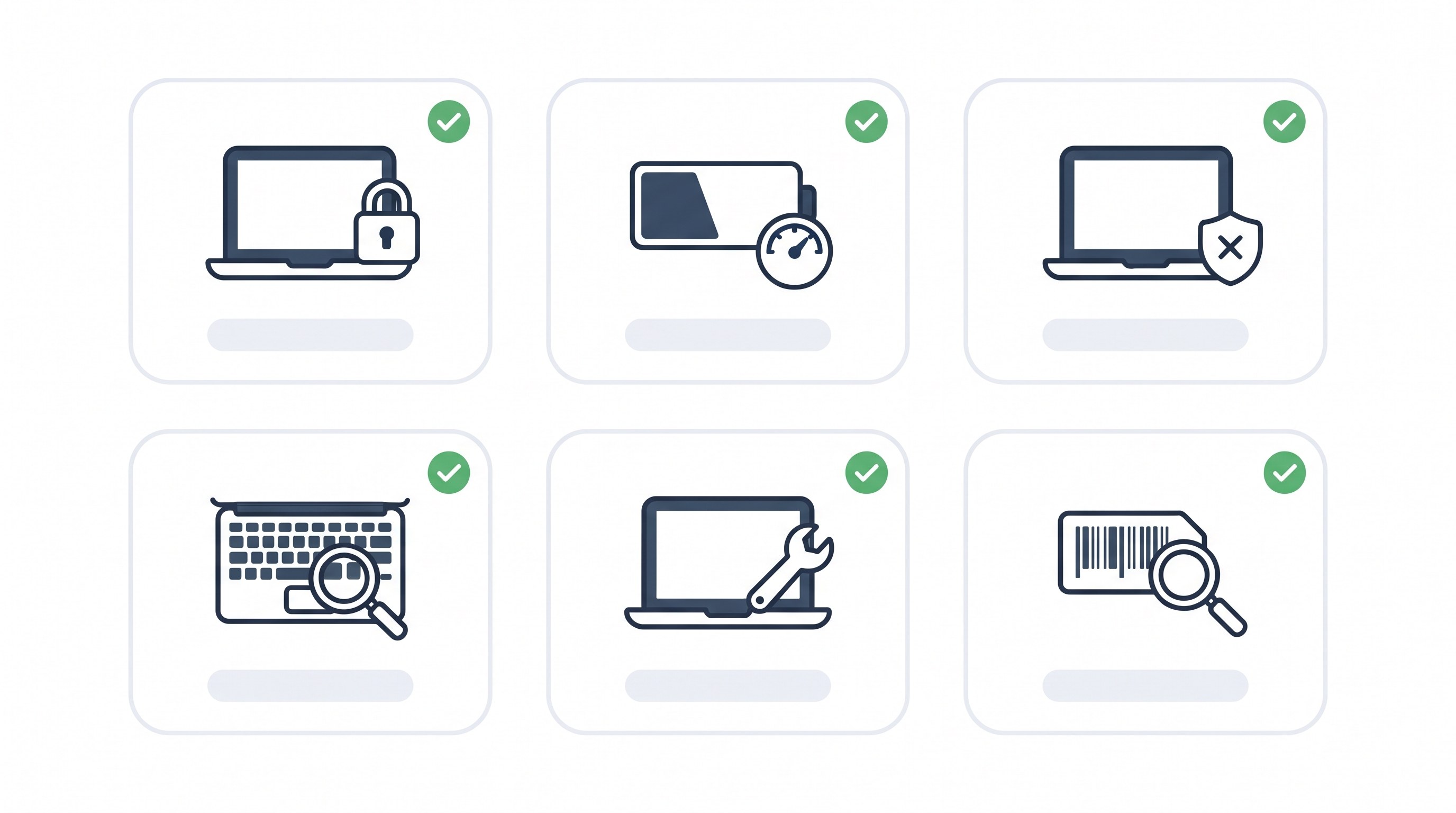
Whether you buy refurbished or from an individual, run the same checklist. A refurbisher has already done most of this, which is exactly why it is safer, but verifying it yourself costs nothing and takes a few minutes.
Activation Lock and Find My Mac
Every Apple Silicon MacBook, and every Intel MacBook with the T2 security chip, supports Activation Lock the moment its previous owner turns on Find My Mac. Apple states plainly that a device protected this way stays tied to its original Apple Account until that owner signs out and erases it (see Apple's Activation Lock for Mac support page). Before you pay, the MacBook must boot to the setup ("Hello") screen with no previous Apple Account requested during setup.
For a more definitive check, Option-click the Apple menu, choose System Information, and scroll to the bottom of the Hardware Overview pane. Every Apple Silicon and T2-equipped Mac shows a line labeled "Activation Lock Status," and the value must read "Disabled" before money changes hands. There is no remote lookup for this anymore; Apple pulled its public Activation Lock status checker from its website in January 2017 and never brought it back, so the only reliable check is in person, on the machine itself.
MDM and remote management profiles
A MacBook bought from a school, a company liquidation sale, or certain refurbishers can still be enrolled in mobile device management (MDM), which lets an organization push settings, restrict features, or lock the machine remotely. Check System Settings, then General, then Device Management (Profiles and Device Management on older macOS versions). Any profile listed there means the Mac may still answer to someone else's management server, not just its new owner.
An MDM profile is not always a dealbreaker (a refurbisher-installed profile is usually just an enrollment leftover it can remove), but on a private sale it is a real risk: an actively managed Mac can be locked, wiped, or restricted at any time by the organization that enrolled it. If you see a profile you cannot explain, ask the seller to remove it and confirm the removal before paying, or walk away.
Serial number and coverage check
Every Mac's serial number is under the Apple menu, then About This Mac. Run it through Apple's official coverage checker to confirm the model, see whether AppleCare is active, and rule out a reported repair or replacement history. This step is free, takes under a minute, and catches a mismatched or altered serial number that a casual inspection would miss.
Battery Health: Cycle Count and What "Service Recommended" Means
A MacBook battery is rated for a fixed number of charge cycles before Apple considers it worn, generally up to around 1,000 cycles on current Apple Silicon models (older models top out lower; Apple's own battery cycle count guide lists the ceiling per model). One cycle is a full charge used up, whether that happens in one sitting or spread across several days.
On any Mac running a recent macOS version, open System Settings, then Battery, then click the Battery Health info button. It reports one of two conditions: "Normal," meaning the battery still holds close to its original capacity, or "Service Recommended," meaning capacity has dropped meaningfully or the battery is not behaving normally (see Apple's Service Recommended explainer). Apple's own threshold for a free AppleCare battery replacement is capacity dropping below 80% of original, so treat that figure as the line for negotiating a lower price or asking a refurbisher whether the battery was already replaced.
For the raw cycle count on older Macs without the Battery Health summary, Option-click the Apple menu, choose System Information, select Power under Hardware, and read the count under Battery Information. A MacBook that is only a couple of years old but already sits near its model's cycle ceiling has been used hard, cosmetic condition aside, and that is worth knowing before you agree on a price. For more on how battery wear plays out over a MacBook's whole lifespan, see how long MacBooks last.
Physical and Diagnostic Checks Before You Pay
Finish with a full hardware pass. Look for a cracked or discolored display, dead pixels, and hinge play. Type across the entire keyboard, since the 2015 to 2019 "butterfly" keyboard generation is known for sticking or unresponsive keys and is worth extra scrutiny on any MacBook from that window. Test every port by plugging in a charger and at least one accessory, check the trackpad's click and gesture response, and confirm both speakers and the microphone work cleanly.
Then run Apple Diagnostics, the built-in hardware test: shut the MacBook down, disconnect everything except power, and hold the power button (or Touch ID, on models that have it) until the diagnostic screen appears, then follow the prompts (Apple's Apple Diagnostics guide). It checks internal components a visual inspection cannot reach and reports any fault it finds by name. On a refurbished purchase the seller's warranty covers anything you miss here; on a private sale, this test is the closest thing to a second opinion you will get before paying.
What a Used MacBook Actually Costs by Model in 2026
The table below shows a current verified refurbished listing per model on RefurbMe as of 13 October 2026. A private-sale "used" price is usually a little lower, but without the warranty, testing, or Activation Lock guarantee, so treat these refurbished floors as the safer benchmark.
| MacBook model |
Refurbished from (verified 13 Oct 2026) |
Live price |
| MacBook Air 13.6" M2 (2022) |
$599 (Amazon Renewed) |
$626 |
| MacBook Air 15.3" M3 (2024) |
$979 (Amazon Renewed) |
$969 |
| MacBook Air M4 (2025) |
$949 (eBay Refurbished) |
$995 |
| MacBook Pro 14.2" M3 (2023) |
$999 (Amazon Renewed) |
$998 |
| MacBook Pro 14.2" M4 (2024) |
$1,462 (Back Market) |
$1,406 |
| MacBook Pro 16.2" M4 Pro (2024) |
$1,900 (Back Market) |
$1,738 |
Two things stand out. The MacBook Pro 14.2" M3 costs about $400 more than the entry-level MacBook Air M2, roughly 67% more, so the Pro earns its price only if you actually push the machine hard; for browsing, mail, and documents the Air M2 is the better value. And the newest MacBook Air, the M4, sits closest of the six to its original launch price, which is the general rule across every Apple product line: the newest model is the worst used value, and a generation or two back is usually the smarter buy. For the full lineup breakdown by generation, see the complete guide to buying a refurbished MacBook or 7 best refurbished MacBooks ranked by value.