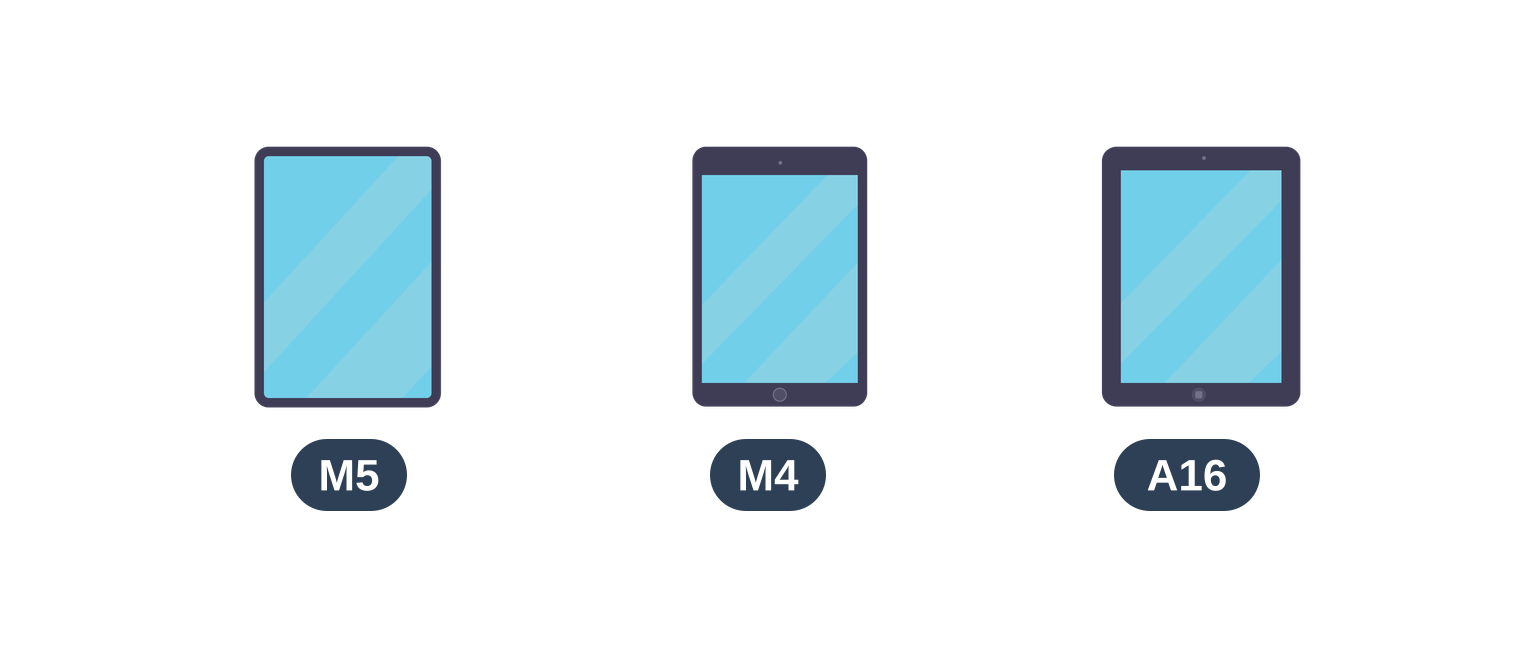
The right app can transform an iPad into a portable studio, a lecture hall, or a full-blown office. Apple's 2026 lineup runs from the $449 iPad (A16) through the $749 iPad Air (M4) to the $1,199 iPad Pro (M5), and nearly everything below runs on all three, plus on iPads old enough to still have a home button.
Simo Elalj, CEO at RefurbMe Last updated · 26 min reading time
Some of these picks sit at the top of the App Store charts, while others are hidden gems that deserve far more attention. We have selected 25 apps across productivity, finance, entertainment, education, and creative design, and reviewed each one below in no particular order.
Quick answer
The best all-around iPad app in 2026 is Procreate for creative work, a $12.99 one-time purchase with no subscription. For free options, start with ChatGPT, TED, and Duolingo. If you use the Apple Pencil, Goodnotes and Notability lead for handwriting, while Procreate leads for art. Budgeters should pick YNAB, and anyone editing clips should use CapCut. Of the 25 apps below, 24 offer a free tier or a one-time purchase, so you can build a capable setup without a single subscription.
Short on time? These are the apps worth installing first, grouped by what you actually want to do on your iPad.
Best overall: Procreate. A $12.99 one-time purchase turns the iPad into a professional drawing studio with full Apple Pencil pressure and tilt support, and there is no subscription to renew.
Best free app: ChatGPT. The free tier handles drafting, translation, and research with no cost, and it syncs your history across iPad, iPhone, and Mac.
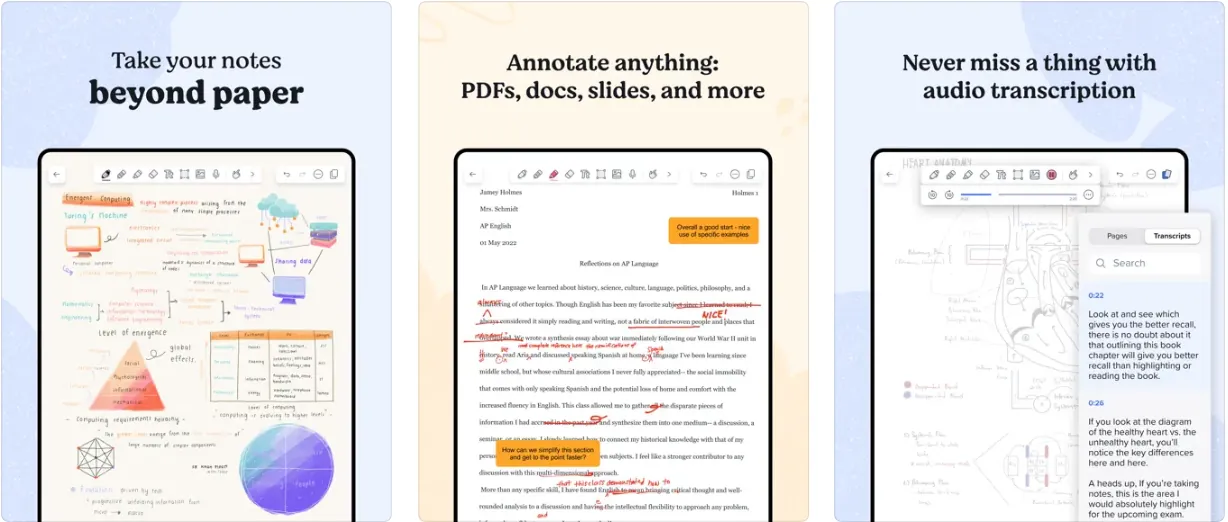
Best for Apple Pencil notes: Goodnotes and Notability. Both offer palm rejection and handwriting search, so you can write naturally with your hand resting on the screen.
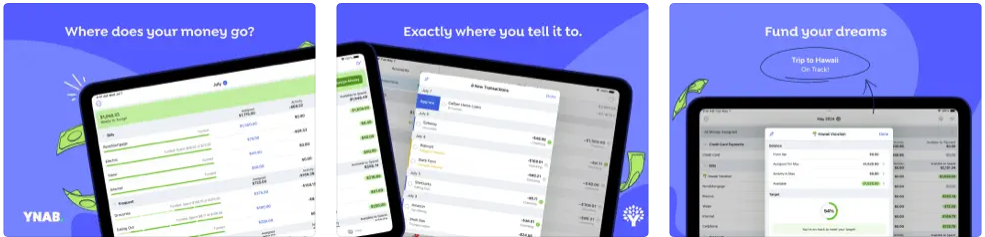
Best for budgeting: YNAB. It syncs to your bank, tracks every dollar in real time, and helps you build a plan to pay down debt or save faster.
Best for video: CapCut. It exports up to 4K with auto captions, background removal, and slow motion, all from a free tier.
Every pick above is reviewed in full below, alongside 20 more apps for music, reading, finance, and education.
Which iPad do you need to run these apps?
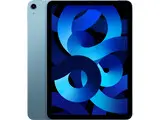
Almost none of them need a new one. Apple's current lineup, priced on its US store in July 2026, is the iPad (A16) at $449, the iPad Air (M4) at $749 and the iPad Pro (M5) at $1,199, all Wi-Fi at base storage, with the iPad mini (A17 Pro) covering the small-screen slot. The M4 iPad Pro and the M2 and M3 iPad Airs are now the previous generation, which is exactly where refurbished stock comes from.
Apple's iPadOS 27 compatibility list still reaches back to the iPad Air 4th generation and the iPad 9th generation, both several generations old and both cheap on the refurbished market.
We pulled the App Store listing for all 25 apps on July 29, 2026 and checked what each one actually demands. The median minimum is iPadOS 17, and only three ask for iPadOS 18 or newer: Goodnotes at 18.6, Pandora at 18.0 and YNAB at 18.0. Khan Academy Kids still runs on iPadOS 12.
Procreate installs on iPadOS 16.3, so the drawing app most people buy an iPad Pro for is not the one setting the bar. A newer chip buys headroom rather than access: 4K exports in CapCut, bigger canvases and more layers in Procreate, less waiting when an app leans on on-device AI.
Stylus support is where the tiers genuinely split. Apple Pencil Pro works with the iPad Pro (M5), the iPad Air (M4) and the iPad mini (A17 Pro). The $449 iPad (A16) takes the Apple Pencil (USB-C) instead, which has no pressure sensitivity, no squeeze and no barrel roll, so Procreate loses its pressure curve on that model while handwriting in Goodnotes and Notability still works fine. If handwriting or drawing is the reason you want an iPad, that gap matters more than the chip does.
According to RefurbMe's tracking, an iPad reaches the refurbished market a median of 94 days after Apple announces it (as of October 2026), so a tablet announced this fall is usually on refurbished shelves, with a warranty, by early next year. Time-to-Refurb is the median lag measured across every iPad generation RefurbMe tracks, and it is a live median that moves, so check the current figure on the iPad stats page.
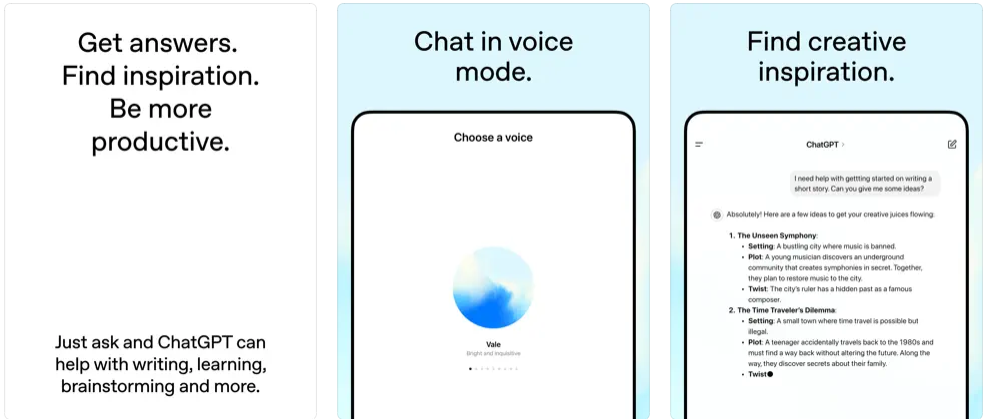
ChatGPT has reshaped the way millions of people work, learn, and think about artificial intelligence. The iPad app from OpenAI lets you tap into an AI chatbot that can draft emails, brainstorm ideas, translate text, and walk you through complex problems. OpenAI now offers three paid tiers: ChatGPT Go at $8 per month for expanded usage, ChatGPT Plus at $20 per month with access to GPT-5.2 Thinking for advanced reasoning, and ChatGPT Pro at $200 per month for power users. Conversation history syncs across all your devices, making it effortless to pick up where you left off.
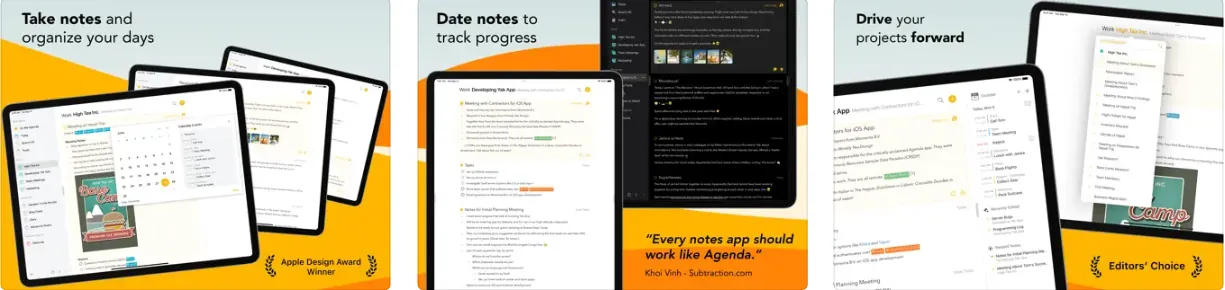
Agenda merges a notepad and task manager. It is ideal for people who usually jot down ideas and events on a scrap of paper but would like that paper to be magical and organize everything for them. The notes can be grouped into projects, be linked to Calendar and Reminders, and have attachments for added context, such as office documents, scans, and photos. Whatever you add can then be displayed in timeline views that let you quickly get at the past, present, and future.
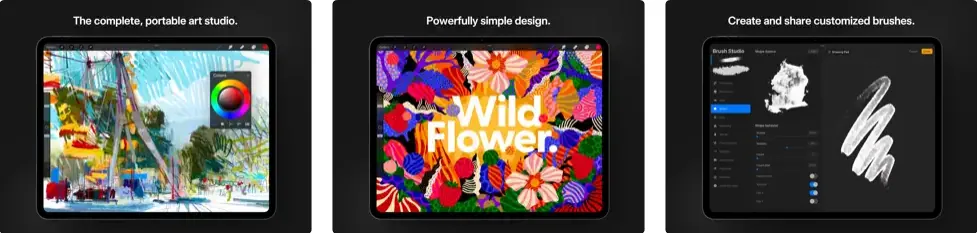
Procreate is an attractive tool for digital artists who want to make the most of the iPad Pro’s capabilities, including using the Apple Pencil. Procreate allows you to create sketches, paintings, and illustrations as your creativity dictates. This is one of the best apps for the iPad that lets students, artists, and any other user try to pursue their artistic side.
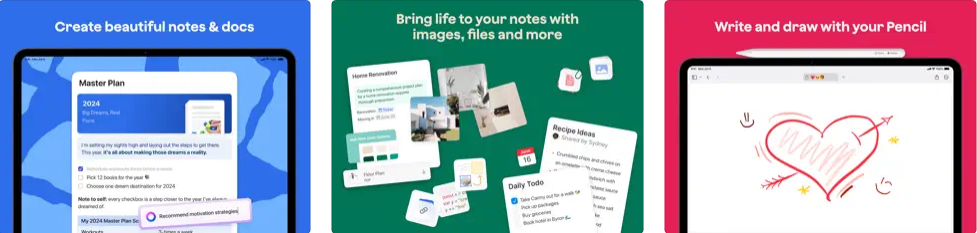
Craft is a beautiful app that creates and organizes notes directly on your iPad. It features a flexible nesting system for effortless organization, various formatting tools for visual impact, and AI-powered editing for enhanced productivity. Craft also offers collaboration with real-time sharing and commenting and seamless export options to ensure your work looks its best everywhere.
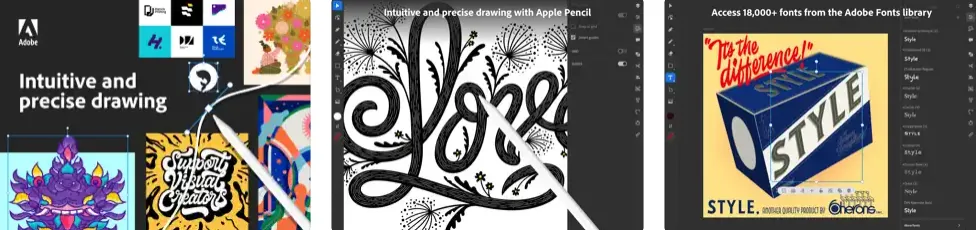
Adobe Illustrator for iPad propels mobile creative design into a dynamic realm of precision and versatility. Enabling designers to craft logos, illustrations, and graphics from virtually anywhere, this app seamlessly integrates with Apple Pencil, providing a tactile and intuitive design experience reminiscent of pen and paper yet elevated with digital convenience. Remarkably, work is auto-synced to the cloud, ensuring consistent access across all devices and compatibility with other Adobe apps like Photoshop and Fresco.
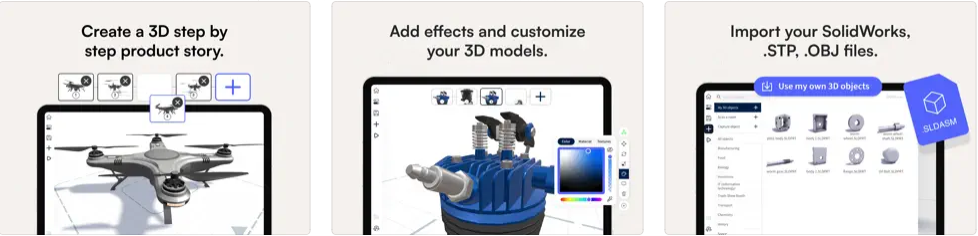
JigSpace uses augmented reality (AR) to educate. The app rapidly finds a flat surface onto which your object is projected, and then you can pinch to resize it or spin it with a swipe. Objects aren’t static since many animate and are gradually disassembled across a series of slides. For example, an alarm clock can open to show its gears and mechanisms. Due to the app’s AR nature, you can check everything out from any angle. It’s also compatible with Apple Vision Pro.
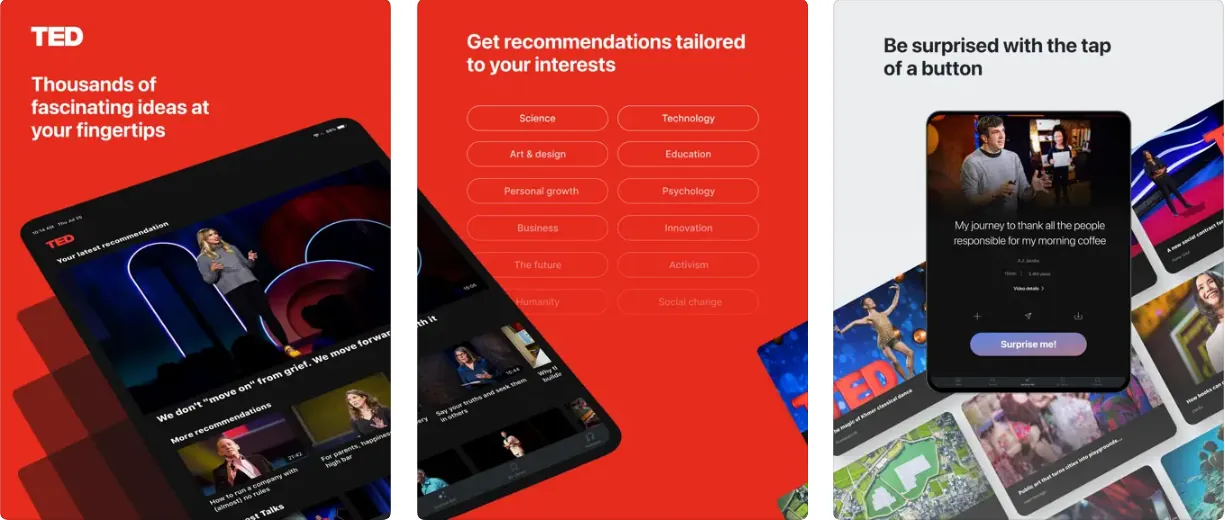
TED is a video app that satisfies your curiosity by watching people talk about various topics and experiences. Although the acronym stands for Technology, Entertainment, Design, it’s fundamentally interested in new ideas. This is definitely not a traditional educational iPad app, but it is one of the best free apps for students and curious people who want to learn and explore via the experiences of some of the most accomplished people in their fields. It’s a breath of fresh air amid all the TV and social media noise.
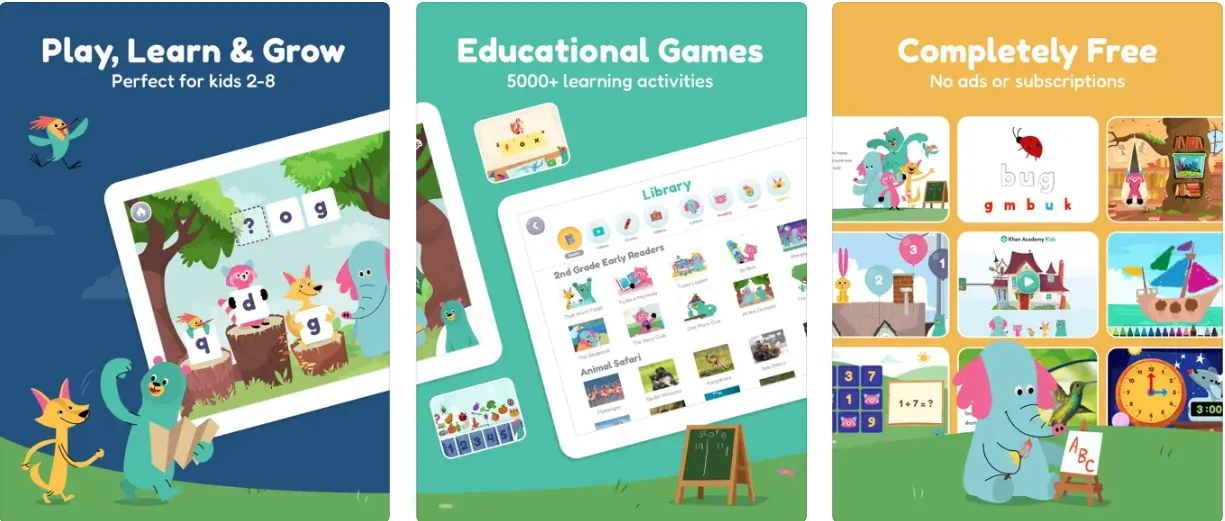
Teaches basic skills in reading, math, phonics, and social-emotional skills, among many others.
Thousands of lessons, activities, books, and games for children from 2 to 8 years of age.
Parents can choose lessons from the library.
Learning at home or in school.
Teachers can quickly and easily find lessons and monitor student progress using teacher tools.
💲 Price: Free 📌 Category: Education
Khan Academy is an educational app that offers children a wide range of courses. This free app will help kids develop and understand basic concepts like empathy, problem-solving, and self-confidence while having fun with many activities. The lessons and books are organized from preschool through second grade for children ages 2 to 8.
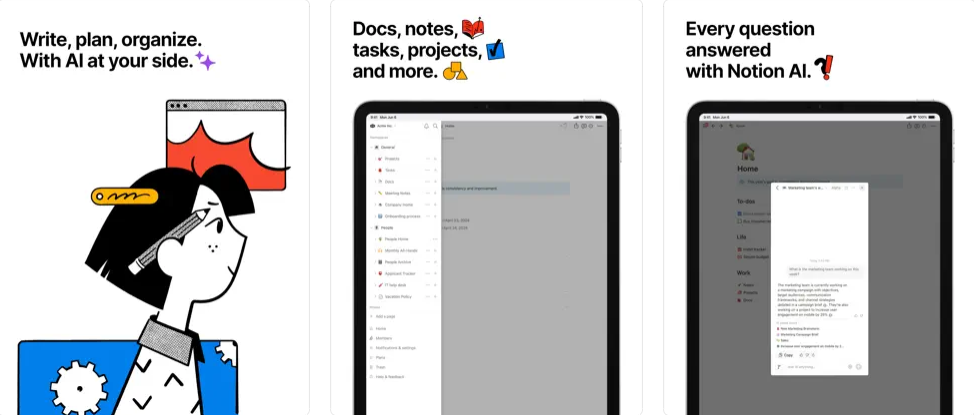
Notion is a sophisticated note-taking app with a sleek design. It offers a highly flexible interface for taking notes and creating to-do lists, letting you organize your tasks into tables, kanban boards, galleries, and calendar views. At the same time, you can also sync Notion with Google Calendar, Google Tasks, Todoist, and other services in a full bidirectional synchronization. Notion has also integrated AI to offer you limitless possibilities using the app. It’s an all-in-one productivity solution that is simply one of the best apps for your iPad, phone, and computer.
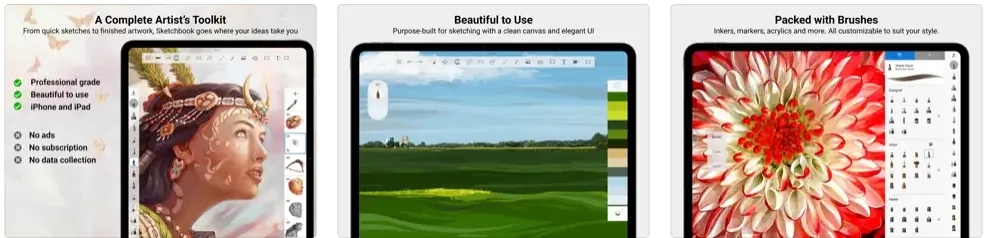
Sketchbook is easily one of the best apps for iPad for graphic design and (you got it!) sketching. This award-winning app is perfect for professional artists and illustrators looking for highly customizable tools, brushes, rulers, and stroke tools to do their magic and bring to life the designs and drawings they have in mind.
Search and play your favorite songs, podcasts, albums, and playlists on demand.
Create playlists on your own or powered by Pandora.
Download the music for offline listening.
Unlimited skips and replays.
High-quality audio.
Ad-free music.
💲 Price: Free | Plus: $4.99/monthly 📌 Category: Music
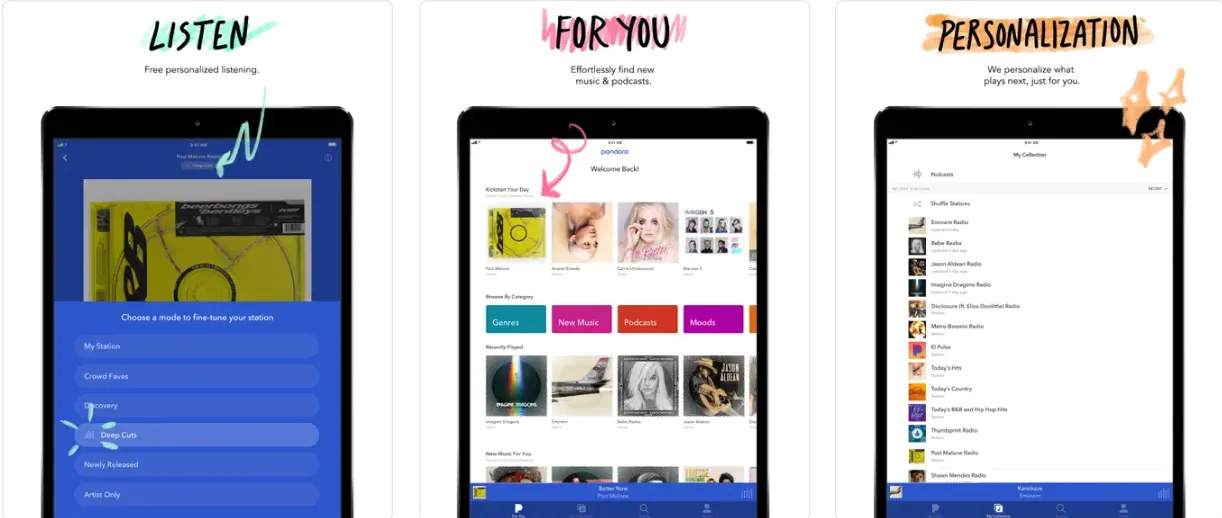
Pandora is a personalized music app that works as a digital radio since it lets you create stations from your favorite songs, artists, or genres. With the Home Sharing function, you can access the entire music library of your iPad, even replacing your home stereo in the process. At the same time, you can take the music app wherever you go with CarPlay. It’s free to use and includes other advanced features you must pay for, such as offline playback.
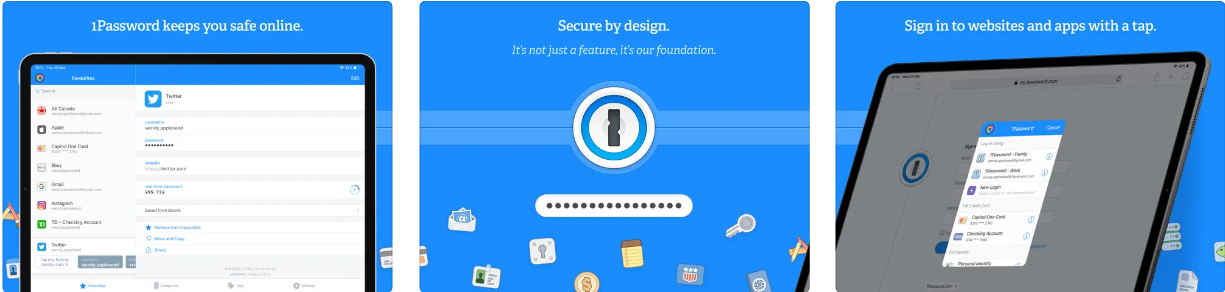
Tired of creating and remembering complicated passwords? 1Password is an excellent service for safely generating and storing passwords without remembering them. Everything you need to memorize is, well, one password! The app for iPad will let you generate and create passwords so you don’t have to manually enter them when using the tablet. And it now supports passkeys!
Select your favorite services and filter different attributes like movie genre or release year.
Stay up-to-date with the daily list of new releases for movies and TV shows on Netflix, Prime Video, Disney Plus, Hulu, and 100+ other services.
Best deals for renting and buying movies and TV shows online.
💲 Price: Free | Pro: $3.99/monthly 📌 Category: Entertainment
With so many streaming services and content on demand nowadays, it can be challenging to find out what to watch and, most importantly, where to watch it. JustWatch is here to get personalized recommendations based on the content you watch on streaming platforms. Think about it as a streaming guide that lets you find your next favorite movie, TV show, or documentary.
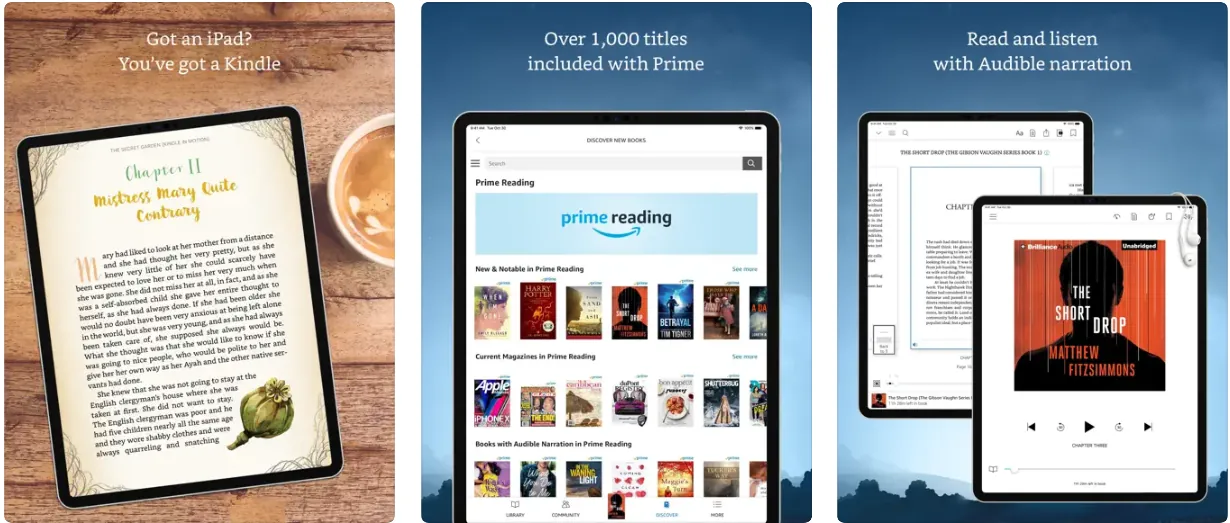
The Kindle Reader app for the iPad is like having an e-reader inside your tablet. When you buy a book on Amazon, it will be sent directly from the website to your iPad and be ready to download and read. Use the landscape mode so reading on your tablet feels more natural. In addition, if you have Amazon Prime, you can access a wide selection of books included with the program.
Notability is a note-taking app that lets you handwrite your notes instead of typing them, which is ideal for iPad owners who also have the Apple Pencil. In any given note, you can sketch, handwrite, type, cut out a section, paste it back in, and record audio that is saved with that specific note. The Plus plan, at roughly $20 per year, unlocks iCloud syncing, unlimited edits, and advanced organizational tools. Palm detection means you can write with your hand resting on the screen without triggering unwanted marks.
YNAB helps you budget and save your money more intelligently. The app can sync to your bank account and has real-time expense tracking, so you know where every dollar goes at every moment. At the same time, YNAB lets you work with goals, one of the most important things about saving and investing.
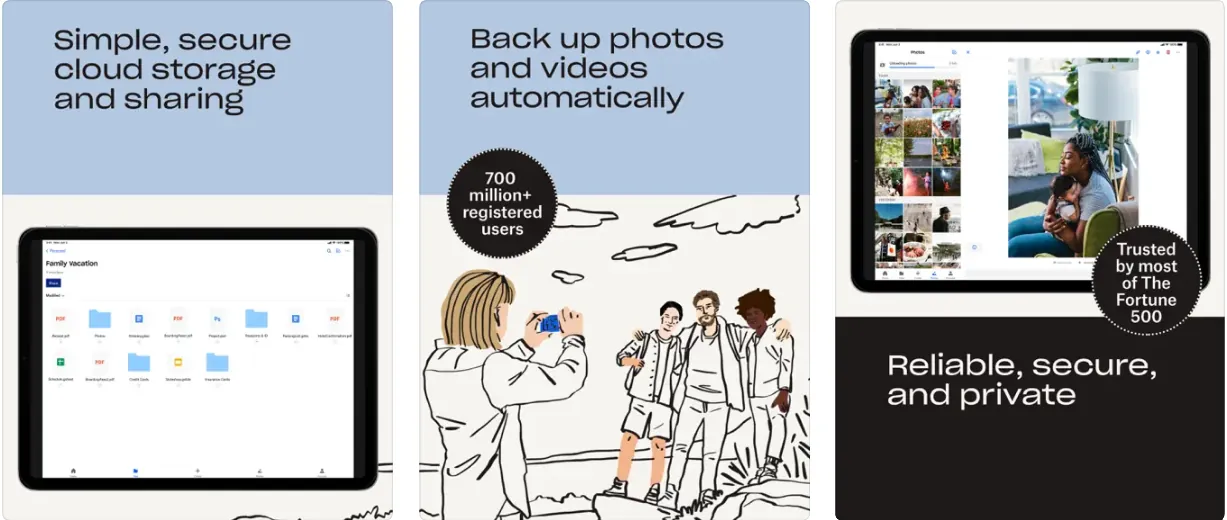
Dropbox is a great way to get extra free storage on your iPad. This popular cloud-based storage solution also lets you easily share files between devices. You can also use Dropbox if you have a lot of documents on your computer and want to access them easily from your device. It’s one of the best iPad apps you can get along with Google Drive and OneDrive.
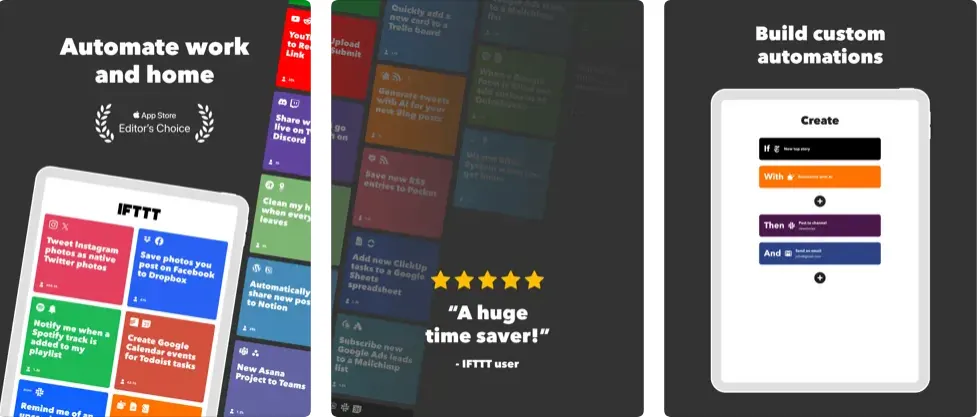
IFTTT is an applet that connects over 600+ apps, such as Twitch, Google Drive, Twitter, Telegram, Weather Underground, Instagram, and other devices like Amazon Alexa and Google Home. It helps users integrate third-party apps and functions to automate their homes and activities on their iPads.
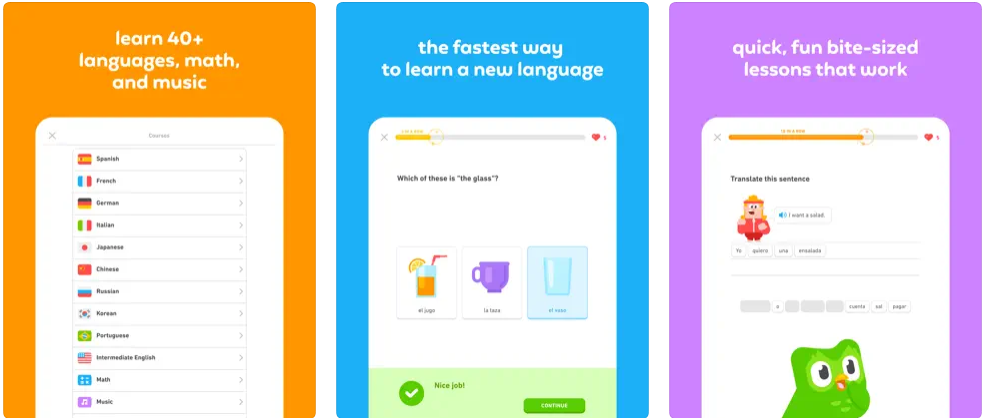
Concise and bite-sized lessons for language learning.
Over 40 languages, including commonly spoken ones and fantasy languages like High Valyrian!
Lessons meticulously designed by language experts to foster lasting language retention.
Speaking, reading, listening, and writing exercises.
Unrestricted access to all language courses for free.
💲 Price: Free | Super Duolingo: $9.99/monthly 📌 Category: Education
Embark on a linguistic journey with Duolingo, the world’s most downloaded education app, offering a playful and efficient pathway to learning over 40 languages, music, and math. With bite-sized lessons formulated by language experts, Duolingo ingeniously integrates speaking, reading, listening, and writing practices to solidify your vocabulary and grammar skills, all while making learning feel like a game. Duolingo’s science-backed teaching methodology, proven to encourage long-term language retention, ensures you’re well-prepared for authentic conversations in your chosen language.
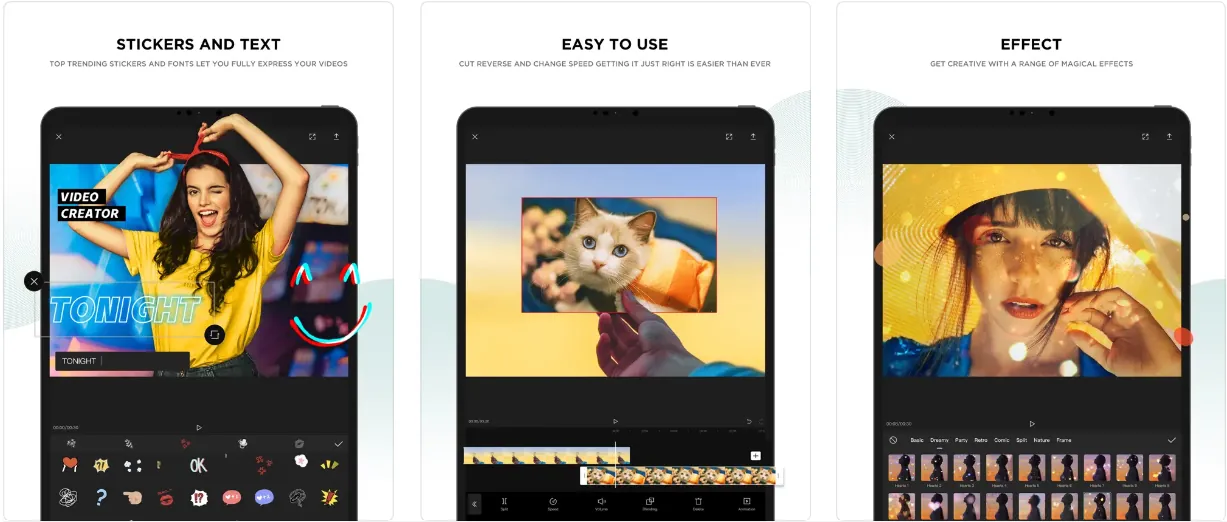
Editing video on an iPad can be easy and rewarding, especially if you use a powerful all-in-one app like CapCut. It has some unique features that stand out from other apps, such as slow-motion, auto-captions, text-to-speech, background removal, and trending effects and filters. The result is easy to share, and the video editor supports up to 4K 60FPS exports with Smart HDR. Worth noting: CapCut is owned by ByteDance and was briefly removed from U.S. app stores in January 2025 due to national security legislation. It has since been reinstated, but its long-term availability in the U.S. depends on ongoing government negotiations.
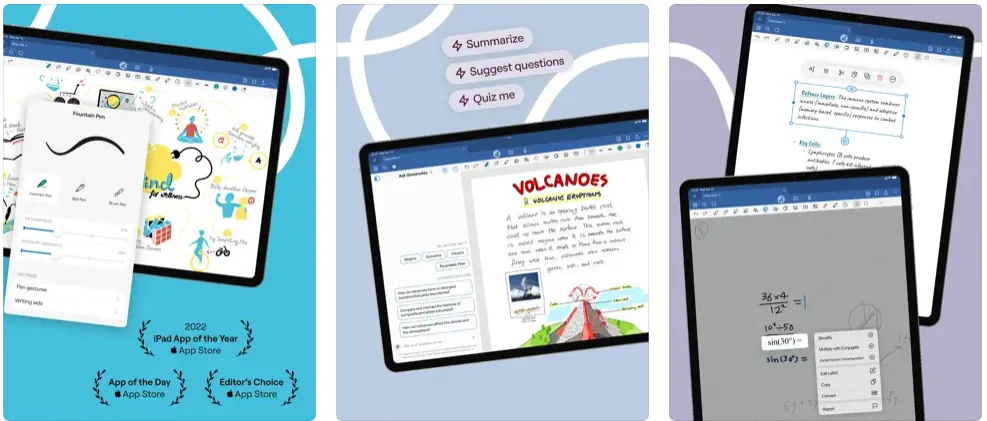
Goodnotes has become one of the most popular note-taking apps on iPad, and its latest pricing reflects a shift toward flexibility. The Essential plan at $11.99 per year unlocks unlimited notebooks, audio recording, and exclusive templates. If you prefer to pay once and own forever, the Special Edition costs $35.99 as a one-time purchase with Apple-only access. Either way, you get a smooth writing experience powered by a leading vector ink engine, plus the ability to move, resize, and rotate your handwriting, import PDF files, and add rich elements like stickers and images.
Goodnotes now requires iPadOS 18.6 or later, the highest bar of any app on this list.
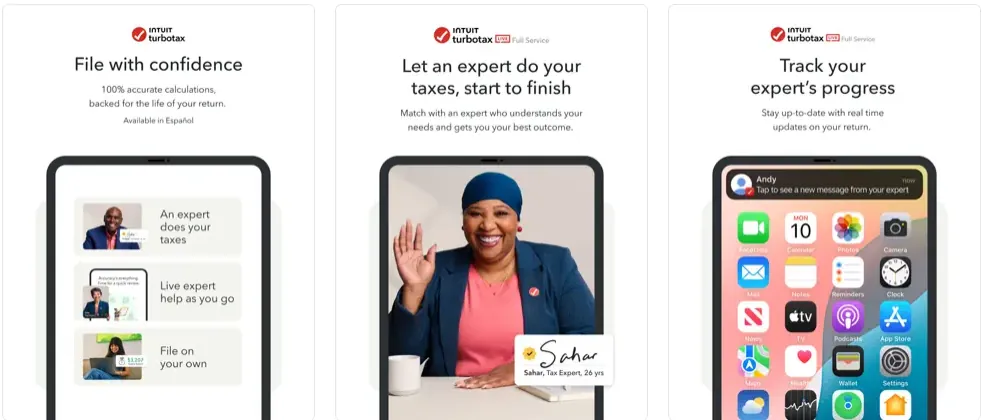
TurboTax pays any possible IRS penalties if their calculations are not accurate.
You can auto-import your activity.
Report sales of stocks, bonds, mutual funds, and crypto.
They work with more than 350 deductions.
💲 Price: Free | Paid support from tax experts 📌 Category: Finance
Ah, yes, filing and paying your taxes is everyone’s hobby, right? If it’s not your favorite thing and you have doubts about how to do it properly, leave it to TurboTax. Easily one of the best finance apps for the iPad, it will put you in contact with tax experts to ensure all calculations are correct and help you save the maximum amount of money.
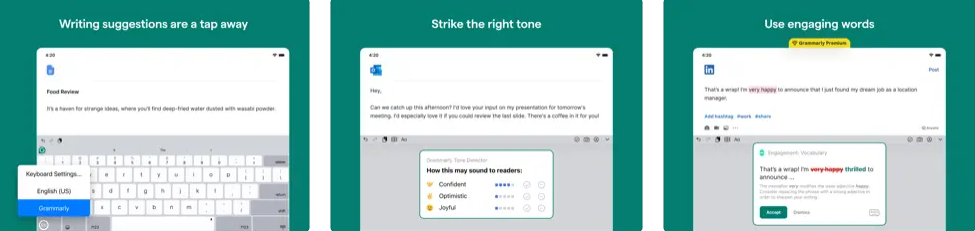
Grammarly is a must-have app for anyone who wants to improve their writing, whether you’re a student, professional, or creative writer. With Grammarly, you can get real-time feedback on your grammar, spelling, punctuation, and style, as well as suggestions for improving clarity, conciseness, and engagement. Additionally, Grammarly AI can help you generate text and ideas and edit your tone and style, among many others.
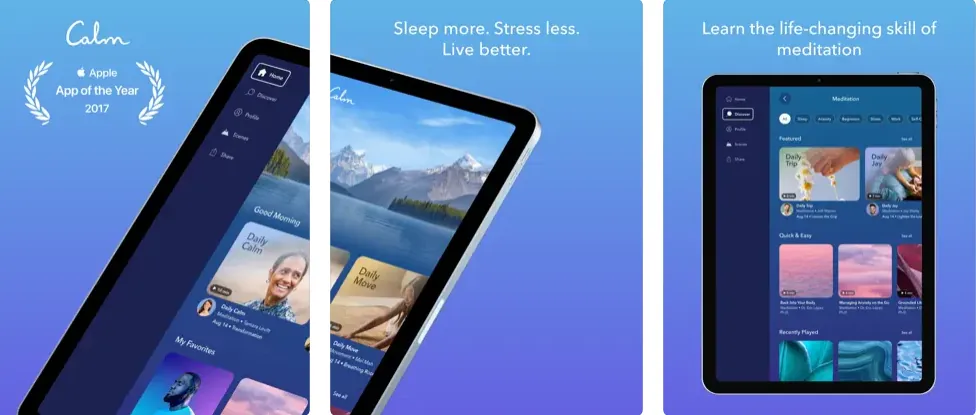
Take a deep breath. Calm is more than a guided meditation and mindfulness app for your iPad and other devices; it includes masterclasses, sleep stories, and stretching exercises. If you are considering starting your meditation journey, Calm also offers introductory lessons to begin learning with daily guided exercises. More than 1.8 million ratings with an average of 4.8 make it one of the best apps for your iPad.
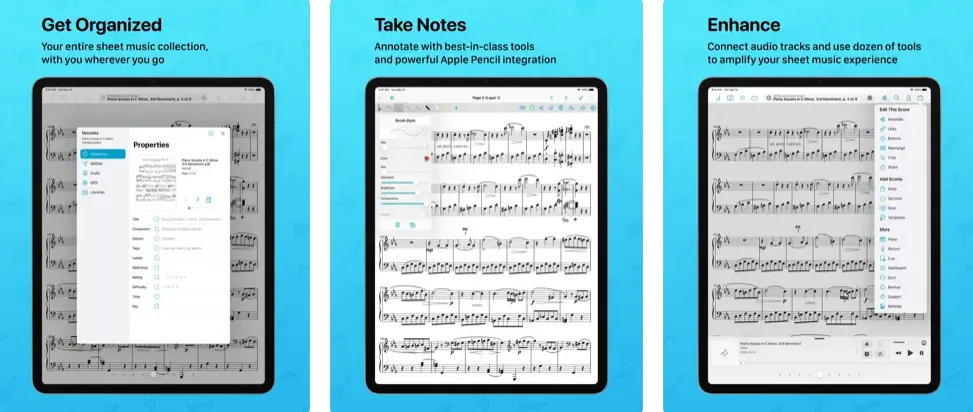
Transform your musical practice and performance with forScore, the comprehensive sheet music reader that ensures your scores are always at your fingertips, whether on the move or on the stage. Offering far more than paper, forScore organizes, refines, and simplifies your musical sheets, allowing instant access, smooth page turns, and interactive annotation. Globally acclaimed and featured in Apple keynotes, this app is not merely a tool but an extension of your musicality.
Final thoughts
Whether you are sketching in Procreate, filing taxes with TurboTax, or learning a new language through Duolingo, each of these apps makes a strong case for keeping your iPad within arm’s reach. The ecosystem continues to grow in 2026, with AI-powered features arriving across productivity, note-taking, and creative tools alike. ChatGPT, Notion, Grammarly, Craft, and Notability now ship built-in AI assistants, so on-device intelligence has moved from a novelty to a baseline expectation this year.
If you are looking for a powerful tablet to run these apps without paying full price, check out the 7 best refurbished iPads or read our guide to buying a used iPad before you commit. Visit RefurbMe to find the iPad with the exact specs you need, warranty included.
Browse available deals in real time below.
from $49in Fair Refurbished iPad · 214 configurations at 6 sellers. Checked Oct 5, 12:05 PM EDT.
Which iPad should I buy to run these apps in 2026?
Almost any iPad still covered by Apple’s iPadOS 27 compatibility list will run nearly everything on this page, and that list reaches back to the iPad Air 4th generation and the iPad 9th generation. Apple’s current lineup, priced on its US store in July 2026, is the iPad (A16) at $449, the iPad Air (M4) at $749 and the iPad Pro (M5) at $1,199, with the iPad mini (A17 Pro) as the small option. Move up a tier only if you need Apple Pencil Pro, which the standard iPad does not support, or headroom for 4K video and large Procreate canvases.
Do I need the newest iPad for Goodnotes and Procreate?
No. Procreate installs on iPadOS 16.3 or later and Goodnotes needs iPadOS 18.6, the highest requirement of the 25 apps on this page, so both run on iPads several generations old. The real constraint is the stylus. Apple Pencil Pro, with pressure, squeeze and barrel roll, works with the iPad Pro (M5), iPad Air (M4) and iPad mini (A17 Pro), while the standard iPad (A16) uses the Apple Pencil (USB-C), which has no pressure sensitivity.
What are the must-have free apps for iPad?
Several excellent iPad apps are completely free. Khan Academy Kids offers thousands of educational lessons for children, TED delivers inspiring talks on every subject, and ChatGPT provides a powerful AI assistant at no cost. Kindle Reader, JustWatch, and Duolingo also offer generous free tiers that cover most users’ needs.
Are iPad apps different from iPhone apps?
Many apps run on both devices, but iPad-optimized apps take advantage of the larger screen with split-view layouts, enhanced multitasking, and Apple Pencil support. Apps like Procreate, Goodnotes, and Notability are specifically designed to shine on the iPad’s display.
Is it worth paying for premium app subscriptions on iPad?
It depends on how you use your iPad. Subscriptions make sense for apps that rely on cloud services, regular content updates, or AI features, such as Notion, Grammarly, or ChatGPT Plus. For tools that are complete at launch, one-time purchases like Procreate ($12.99) or the Goodnotes Special Edition ($35.99) tend to offer better long-term value.
Which iPad apps work best with Apple Pencil?
Procreate is the top choice for digital art and illustration, with a responsive brush engine built around Apple Pencil pressure and tilt. Goodnotes and Notability both excel at handwritten note-taking, offering palm rejection so you can write naturally. Adobe Illustrator for iPad and Sketchbook round out the creative options for vector design and sketching.
What is the best note-taking app for iPad in 2026?
Goodnotes and Notability are the two leading note-taking apps for iPad. Goodnotes offers a smooth writing experience with handwriting search and templates, while Notability pairs handwriting with synced audio recording so you can replay a lecture by tapping your notes. Both support the Apple Pencil and start free, with affordable paid tiers under $20 per year.
Do I need a subscription to get the most out of these iPad apps?
No. Of the 25 apps in this list, the large majority offer a usable free tier or a one-time purchase. Procreate ($12.99) and the Goodnotes Special Edition ($35.99) are paid once and owned forever, and free apps like ChatGPT, TED, Khan Academy Kids, and Duolingo cover productivity, learning, and entertainment without any recurring cost.
Last updated: Sep 15, 2026 ·
First published: Jan 17, 2025
Simo Elalj
CEO and Founder at RefurbMe. I made this project back when I was 15 when I had to wake up at 2am to buy my own refurbished Macbook Pro. Passionate about circular economy, great UX and goats.